
Plébiscité par 72 % des développeurs Java
L'IDE Java et Kotlin
Pour vous et vos agents
Gratuit, avec un accès de 30 jours à Ultimate inclus
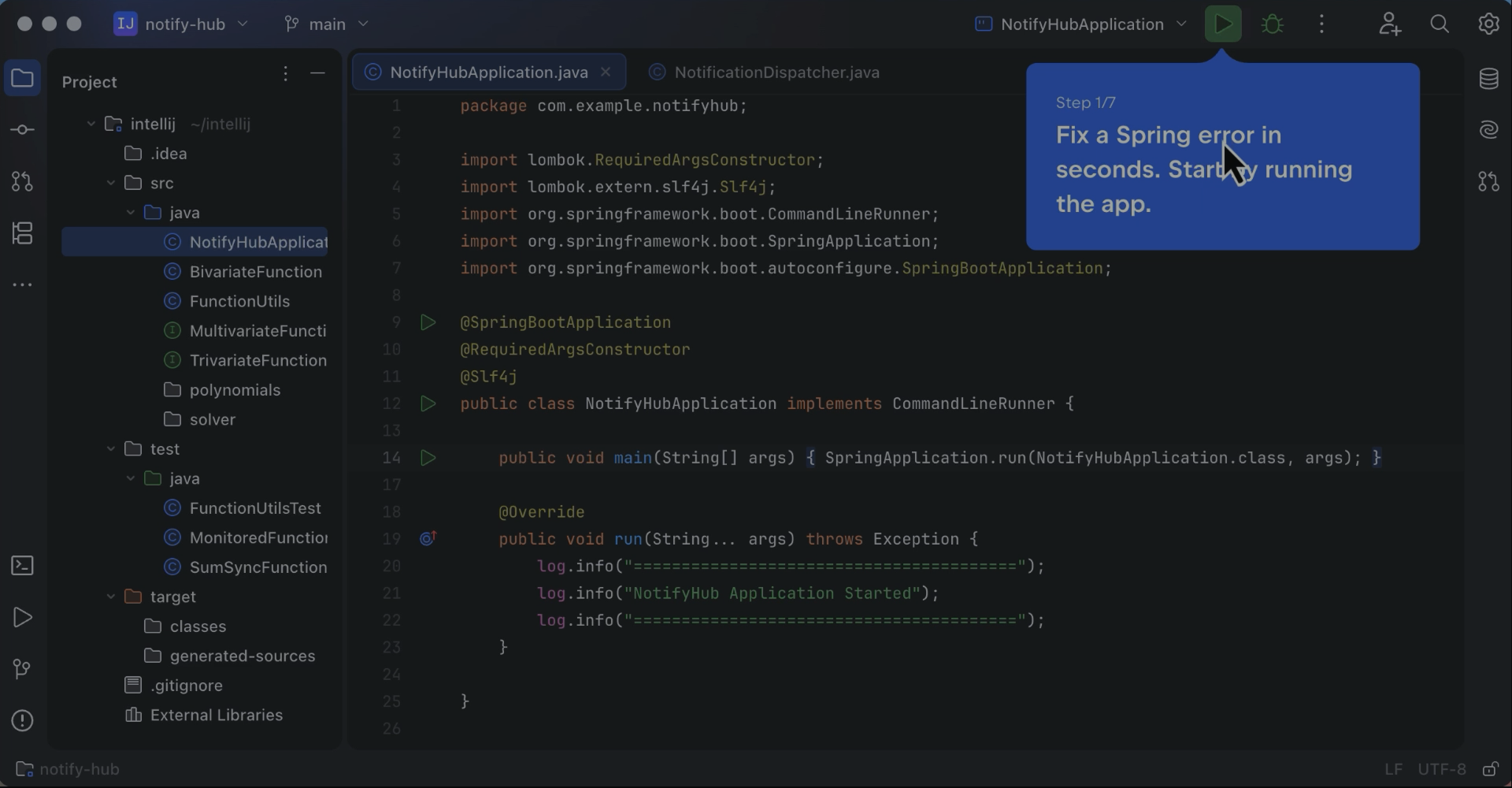
Découvrez comment IntelliJ IDEA comprend votre application Spring et vous aide à repérer et corriger les erreurs en quelques étapes seulement.
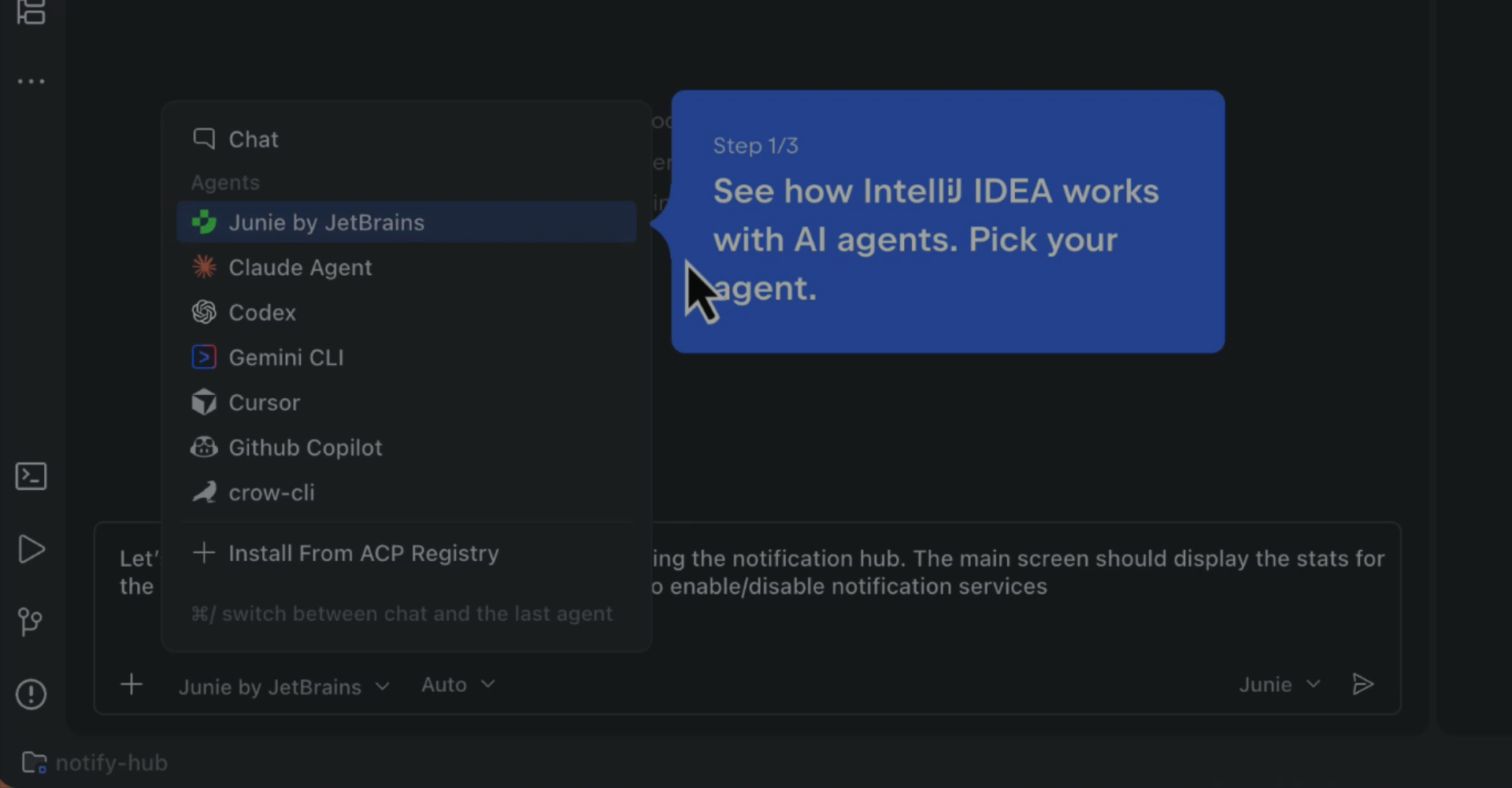
Regardez un agent d'IA à l'œuvre dans IntelliJ IDEA et voyez comment utiliser votre agent de prédilection directement dans l'IDE.
Plébiscité par plus de 300 000 organisations



Des agents plus intelligents. Un développement plus rapide. Un unique IDE professionnel.
Témoignages de nos clients

Yasuaki Kato
Ingénieur logiciel au sein d'une entreprise de technologies pour la santé et les soins aux personnes âgées
« Nous utilisons IntelliJ IDEA parce que nous considérons que c'est le choix le plus efficace pour le développement. »

Jay
Ingénieur backend au sein d'une entreprise qui développe des logiciels pour des studios photo en libre-service
« L'intégration Git permet d'effectuer des commits partiels, des comparaisons de branches et des rebasages directement dans l'IDE. Pour les bases de code de grande taille, les diagrammes de classes et l'analyse des dépendances offrent une vue claire de la structure et de l'impact. Au besoin, l'optimisation de l'indexation et des caches de compilation accélère encore plus le processus. »

Varij Kapil
Un ancien développeur logiciel dans une entreprise spécialisée dans la création de solutions informatiques et cloud sur mesure
« Des modifications majeures et des refactorisations doivent être effectuées dans plusieurs modules Java et composants React. Des changements aussi importants n'auraient pas été possibles sans les produits JetBrains. »

Phan Manh Hung
DSI dans une entreprise qui bâtit une infrastructure numérique pour la santé
« Dans les logiciels de santé, la ligne de code la plus coûteuse est souvent celle que personne n'ose refactoriser. Notre équipe utilise […] IntelliJ IDEA pour le noyau Java/Spring Boot de [notre Health Platform], où l'on refactorise avec prudence, car les règles qui encadrent les données patient ne bougent pas. »
Télécharger IntelliJ IDEA
Renforcez vos agents d'IA grâce à la fiabilité d'un IDE.
Gratuit, avec un accès de 30 jours à Ultimate inclus
Gratuit, avec un accès de 30 jours à Ultimate inclus