Inlay Hints
for Windows and Linux
for macOS
CtrlAlt0S 
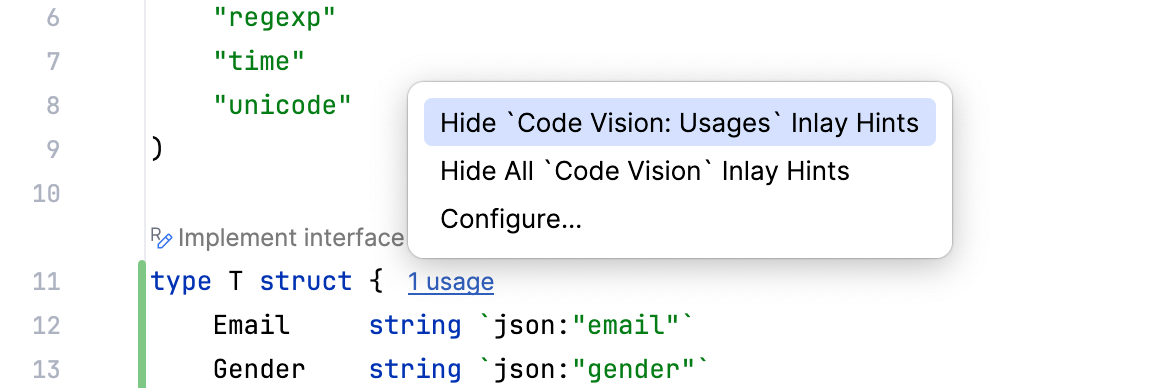
To disable a hint that is currently in front of you in the editor:
Right-click the hint and select whether you want to disable the specific type of hints or all hints in this category.
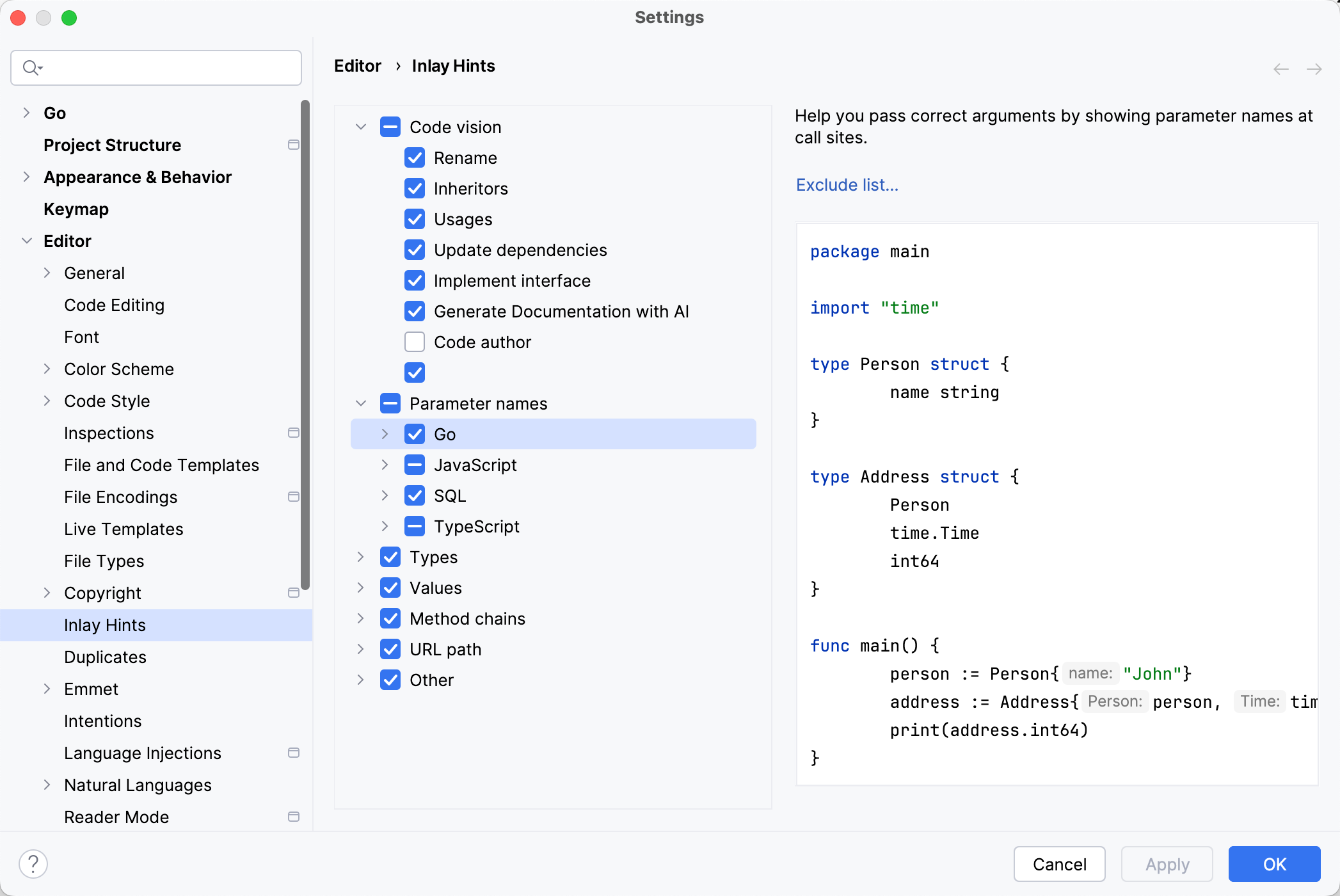
To configure one or more specific groups of inlay hints:
Open the Settings dialog (CtrlAlt0S) , go to , and use the checkboxes next to the hints to hide or show the corresponding category of inlay hints.
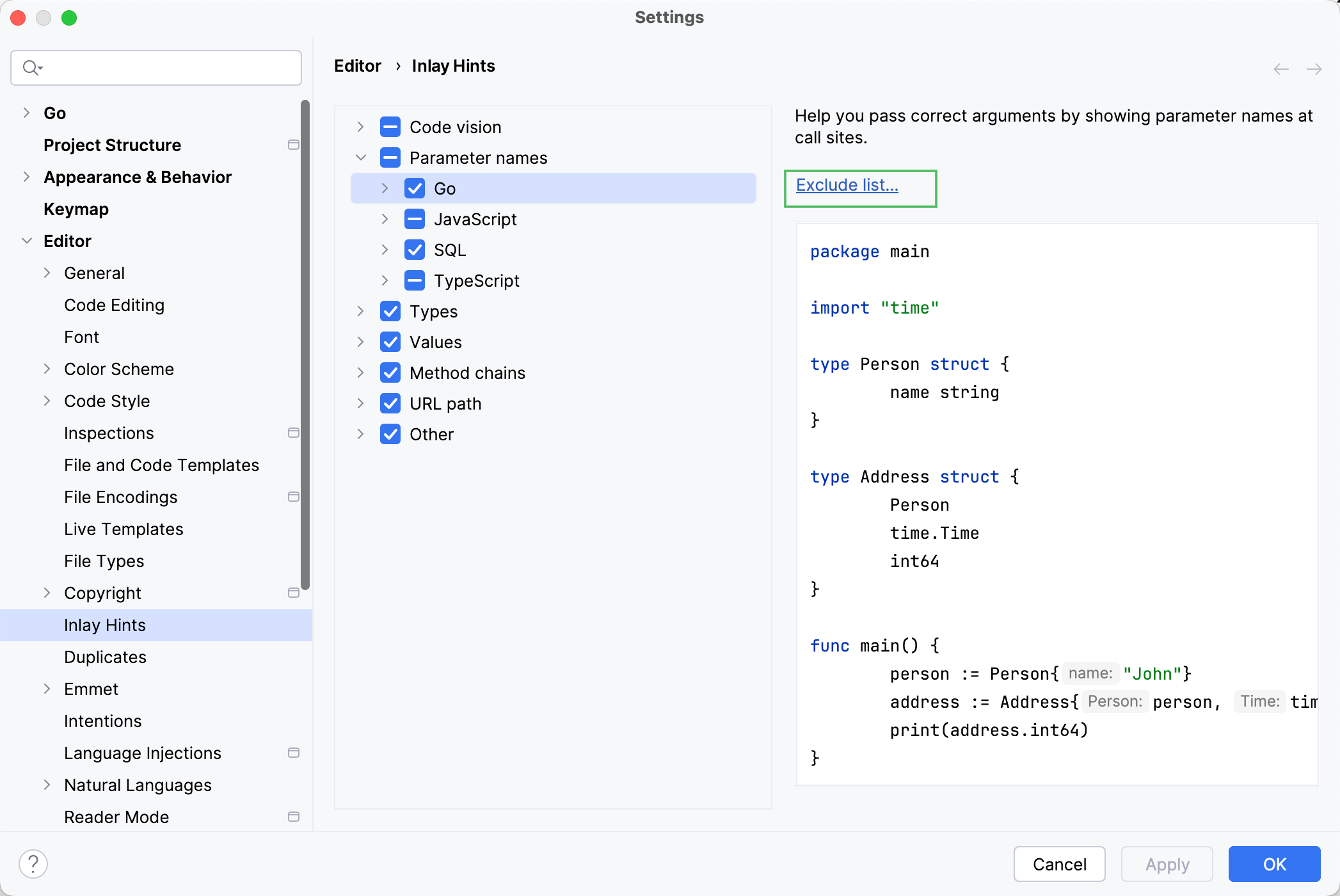
To disable inlay hints for a specific parameter names:
Open the Settings dialog (CtrlAlt0S) , go to , and click Exclude list. In the dialog that opens, specify the list of symbols to exclude using fully qualified names or wildcard syntax.
note
The list of available languages, contexts, and hint types depends on the installed/enabled plugins.
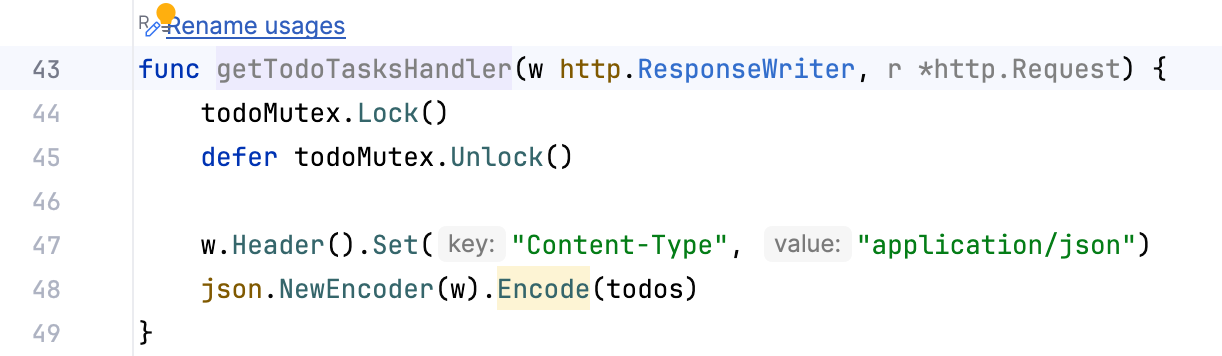
Rename: displays an inlay hint with a quick-fix that renames the selected code item.
Inheritors: displays a number of implementations for an interface and its method specifications. Click the
implementationshint to navigate to usages.
Usages: displays a number of usages of the class or method in the project. Click the
usageshint to navigate to usages.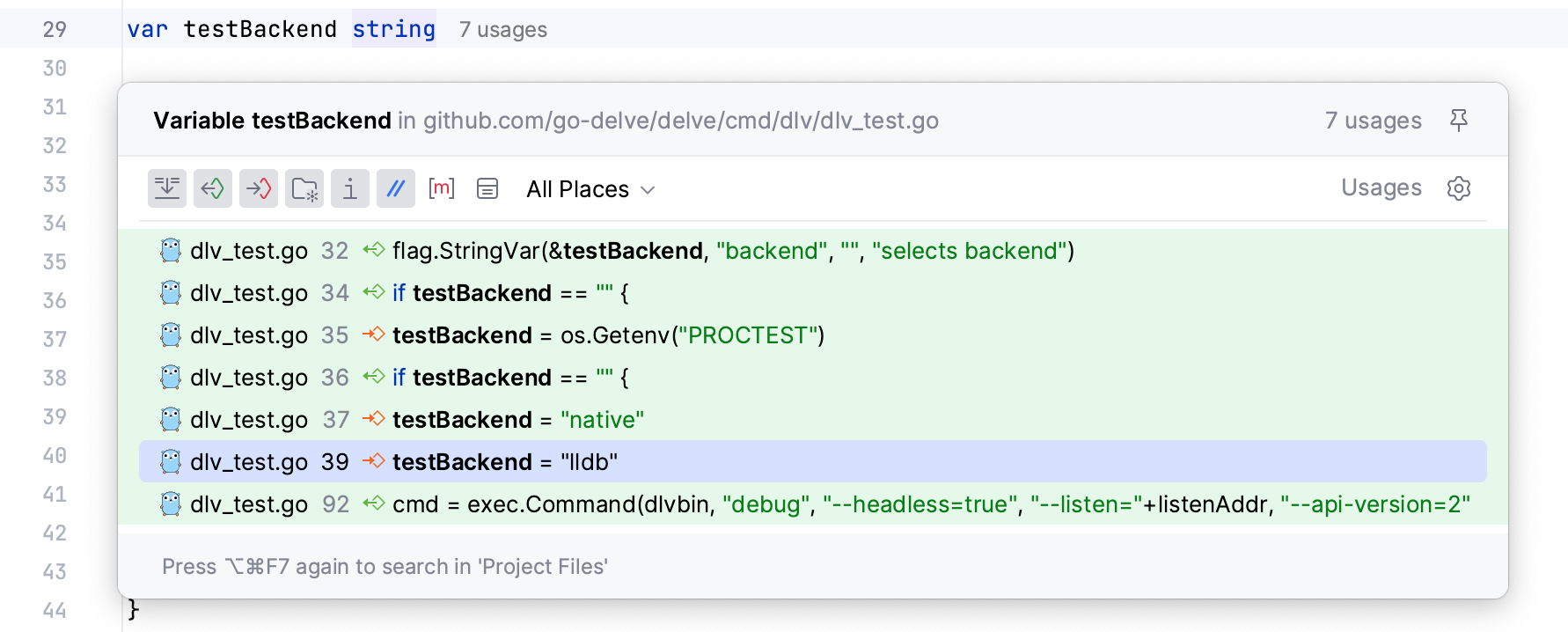
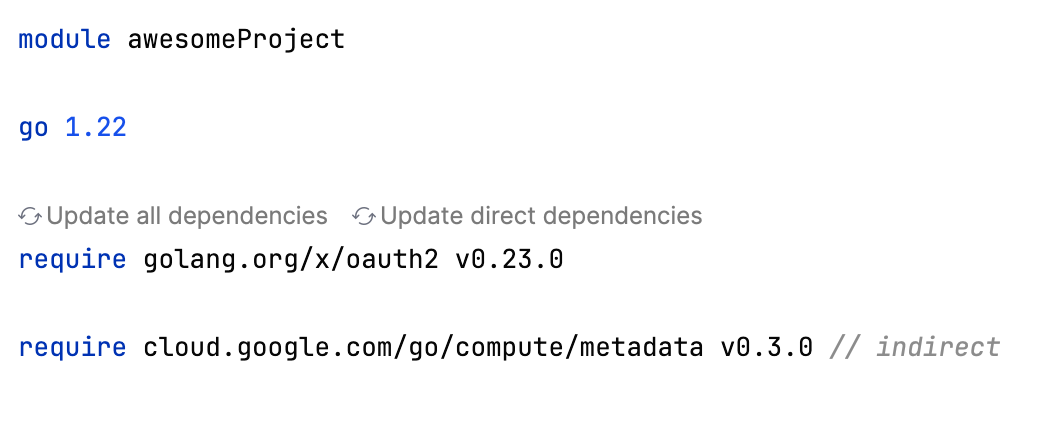
Update dependencies: displays quick-fixes to update dependencies. For more information about various update options, refer to Updating dependencies in go.mod.
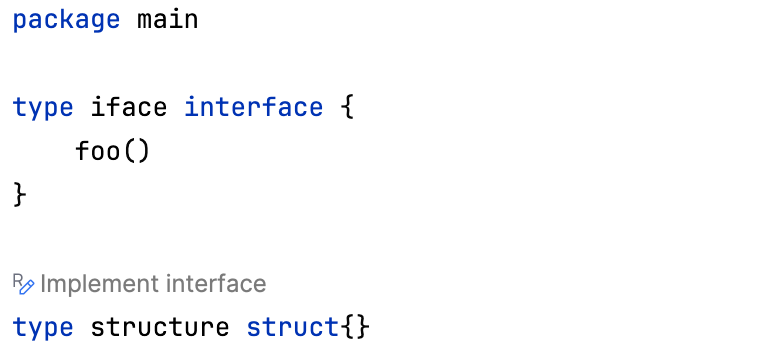
Implement interface: displays a quick-fix that allows you to implement an interface on the selected structure.
Generate Documentation with AI: displays a quick-fix that allows you to invoke the Write Documentation AI action.
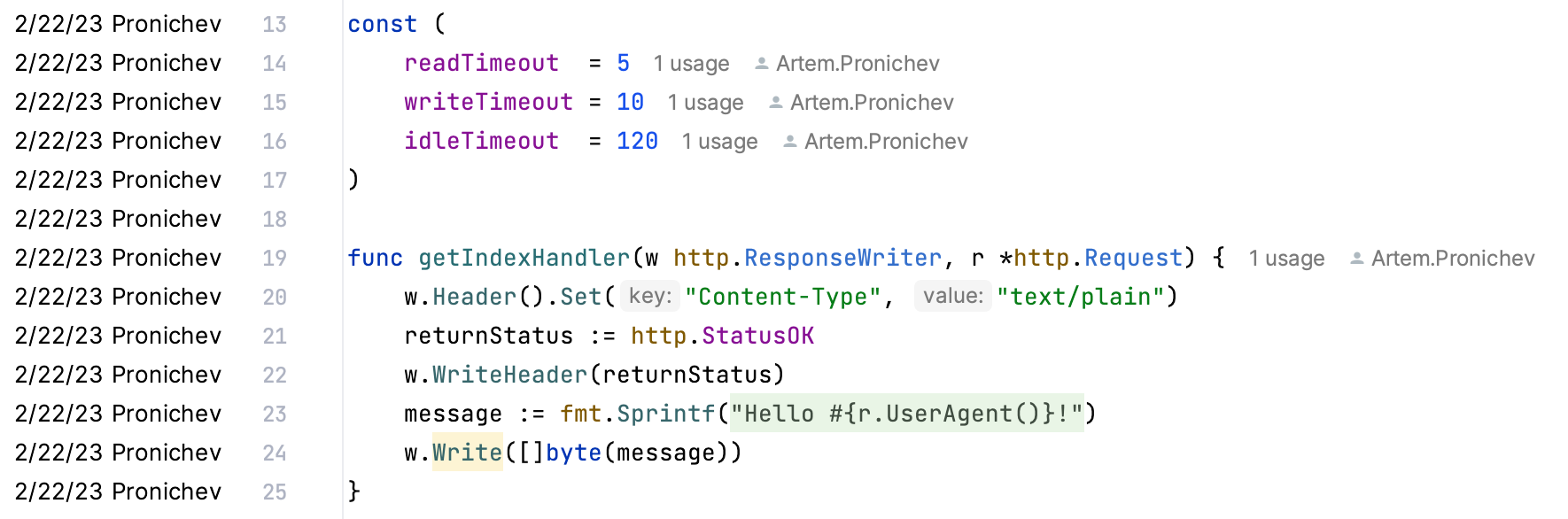
Code author: code authors for a given element (for example, a type or a method). Click the name hint to open the Git blame functionality. Name of the author is displayed in the gutter.
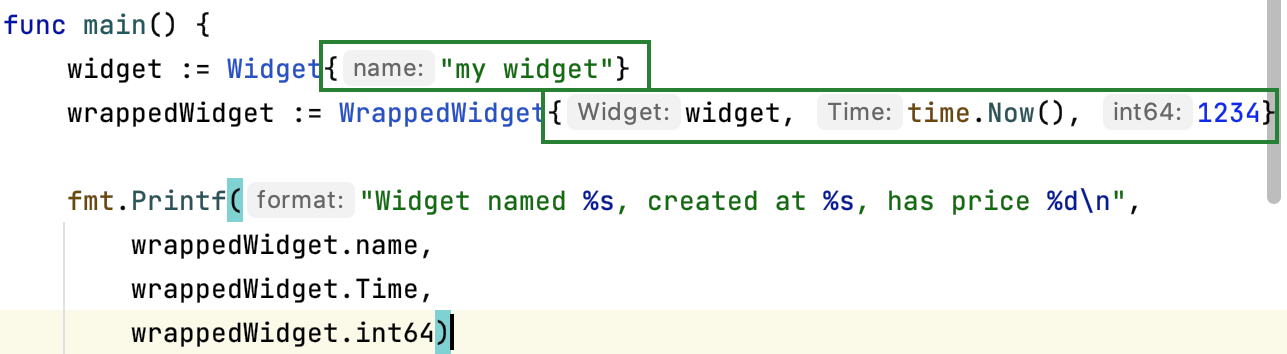
Show unnamed fields in structure values: show names of anonymous fields.
Show return parameters: show parameter names in
returnstatements.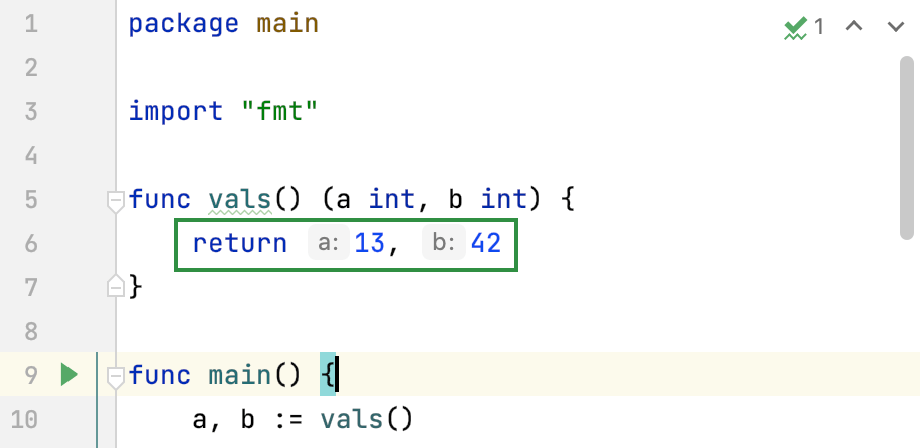
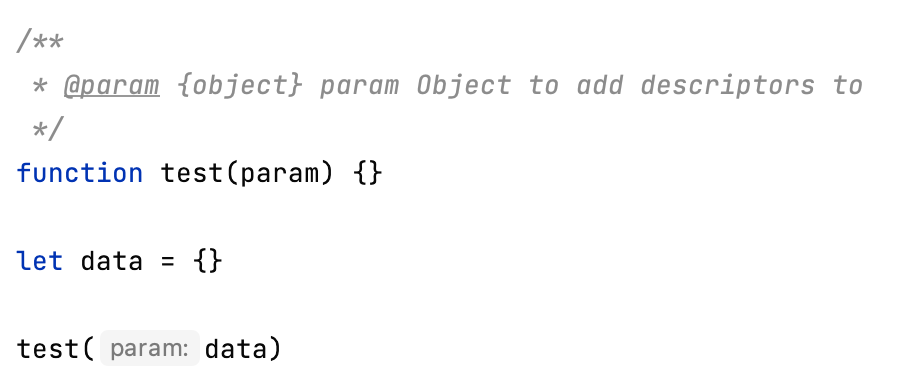
Non-literal arguments: show both literal and non-literal arguments, call expressions, objects, and array initializers.
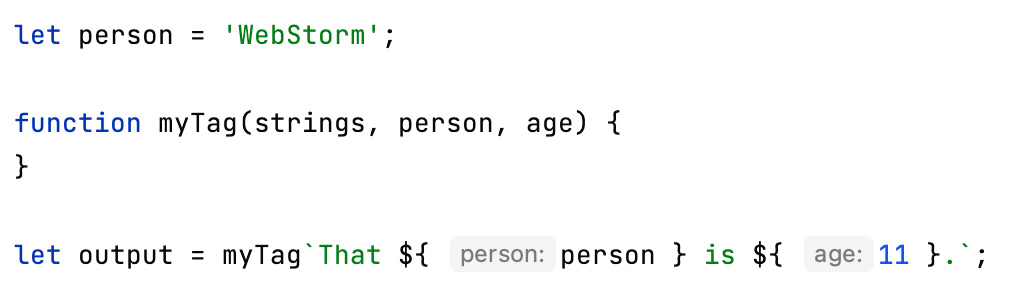
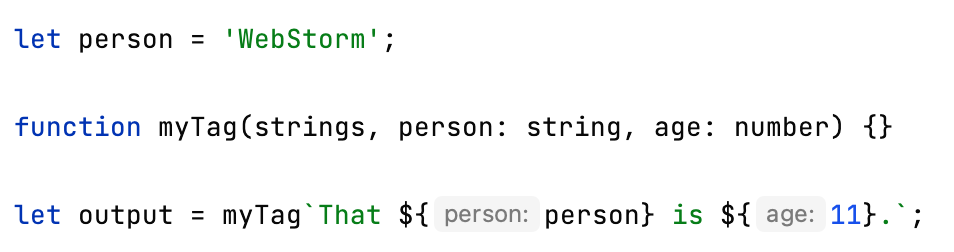
Tagged template arguments: show tagged template arguments. This setting takes effect only over non-literal arguments and is only available when the Non-Literal arguments option is enabled.
For more information about arguments in tagged templates, refer to Tagged templates at mozilla.org.
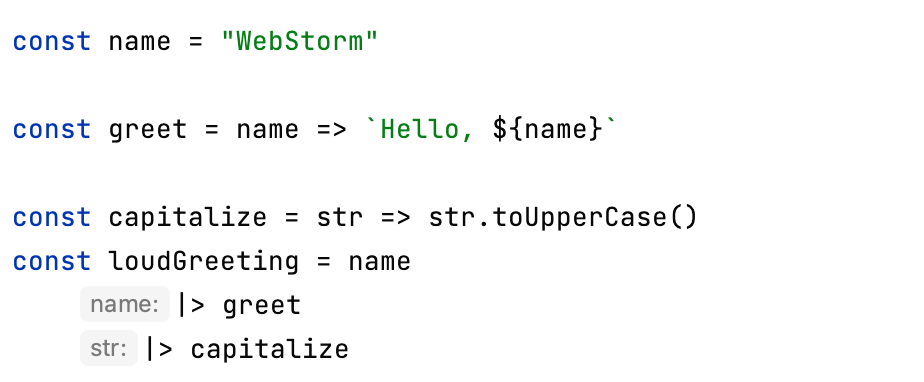
Pipeline operators: show pipeline operators. For more information about pipeline operators, refer to Pipe Operator (|>) for JavaScript at github.com/.
In INSERT values: show names of columns in
INSERTstatements. Works only in query consoles, not as a language injection.
In SELECT expressions: show names of columns in
SELECTstatements that have context that sets column names. For example,SELECTstatements insideCREATE VIEWandINSERT. Works only in query consoles, not as a language injection.
For * references: show names of columns for asterisk (*) references in
SELECTstatements that have context that sets column names For example,SELECTstatements insideCREATE VIEWandINSERT. Works only in query consoles, not as a language injection.
For set operations (UNION, INTERSECT, EXCEPT): show names of columns in
SELECTstatements when they are used in set operations likeUNION,INTERSECT, andEXCEPT. Works only in query consoles, not as a language injection.
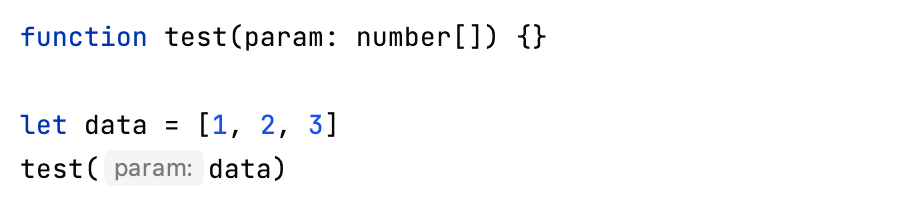
Non-literal arguments: show both literal and named object parameters in method calls.
Tagged template arguments: show arguments in tagged templates.
Function return types in call chains: show function return types in call chains.

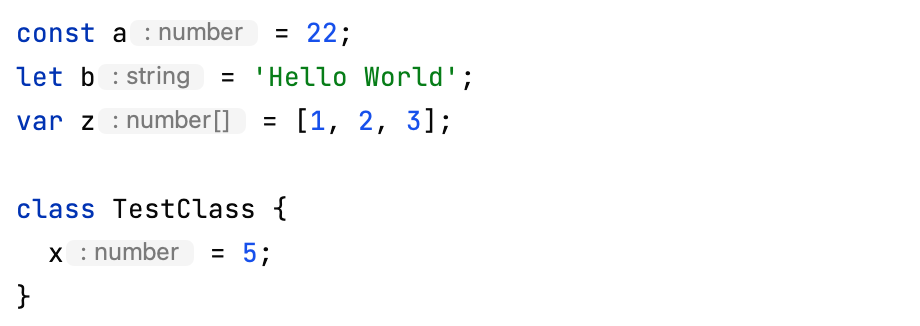
Type annotations: show type annotations. You can configure cases in which you want to show type annotations:
Variables and fields
Parameters in parentheses
Non-parenthesized single parameter
Function return types
Function return types in call chains: show function return types in call chains.
Type annotations: show type annotations. You can configure cases in which you want to show type annotations:
Variables and fields
Parameters in parentheses
Non-parenthesized single parameter
Function return types
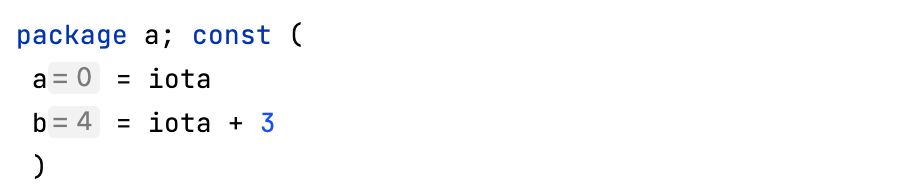
Go: show values of constant definitions.
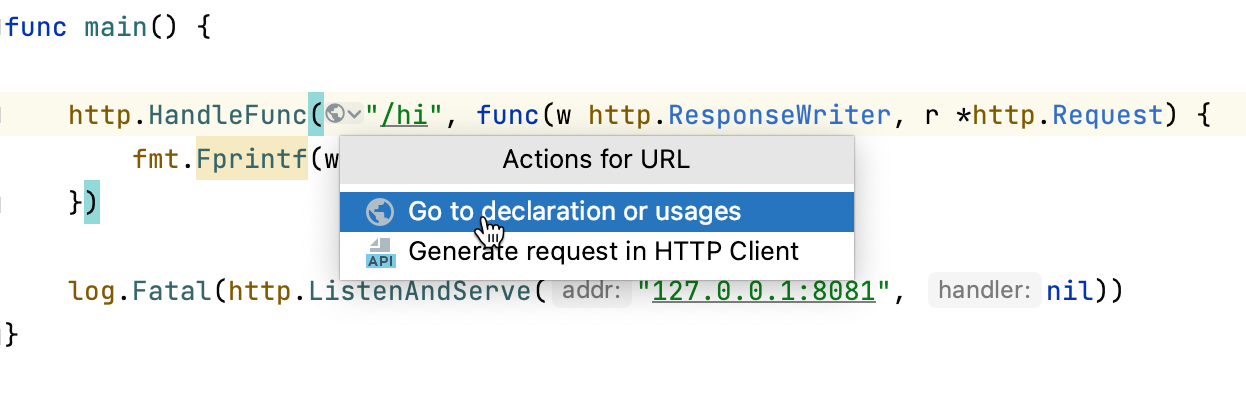
Go: show URL mappings in code. The icon provides quick access to URL testing and navigation options.
Docker run named stage: show an icon to quickly build or run a specific named stage in a Dockerfile.
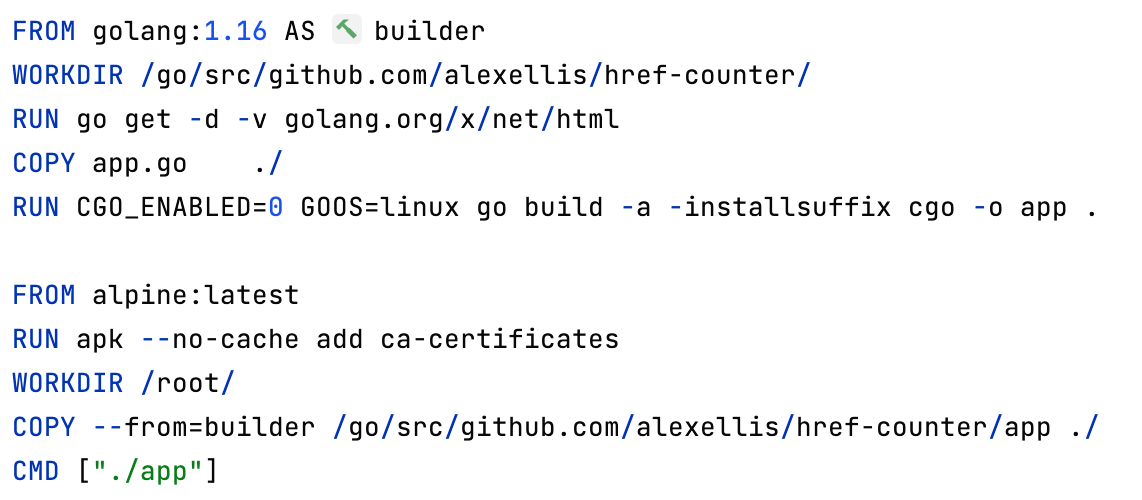
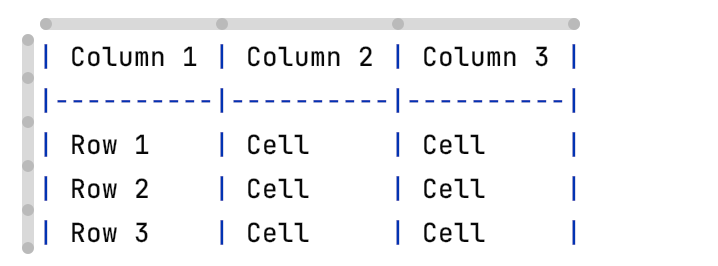
Table inlays: show horizontal and vertical bars around the table. Provides column and row actions.
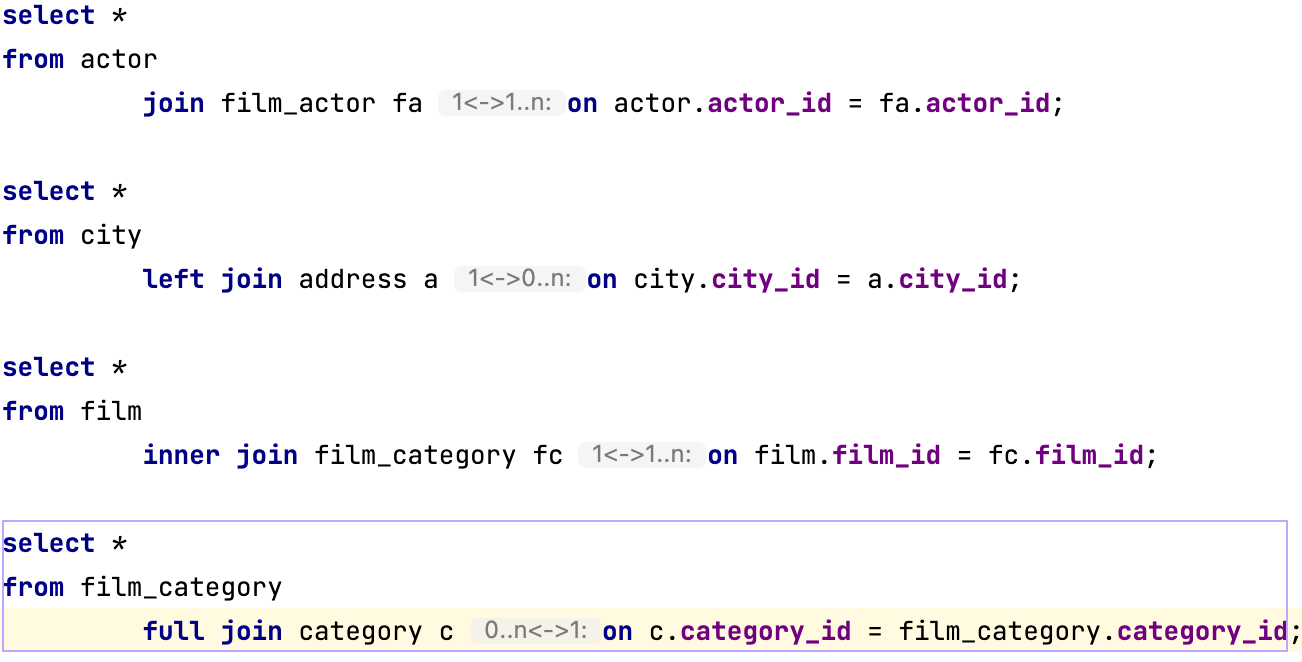
Join Cardinality: display the numerical relationship between rows of one table and rows in the other. Common cardinalities include one-to-one (
1<->1), one-to-many (1<->1..n), many-to-many(1..n<->1..n), and optional (0..n). The optional cardinality appears when the referring field is nullable.You can configure inlay hints for the following types of JOIN:
INNER JOINLEFT JOINRIGHT JOINFULL JOIN
Thanks for your feedback!