Indentation style
tip
You can study all formatting style settings that affect the current file in the Code Style Configuration dialog ( Help | Find Action | Show Code Style Configuration).
Indentation is one of the most important aspects of formatting style — properly indented code will be readable even if other formatting is inconsistent. JetBrains Rider helps you configure and maintain proper indentation in many ways.
Indentation settings are configured for every programming language separately.
JetBrains Rider displays the indentation information in the status bar. So, if your project has files of different types, the easiest way of learning the current indentation style and accessing the corresponding settings is to use the Indentation widget.
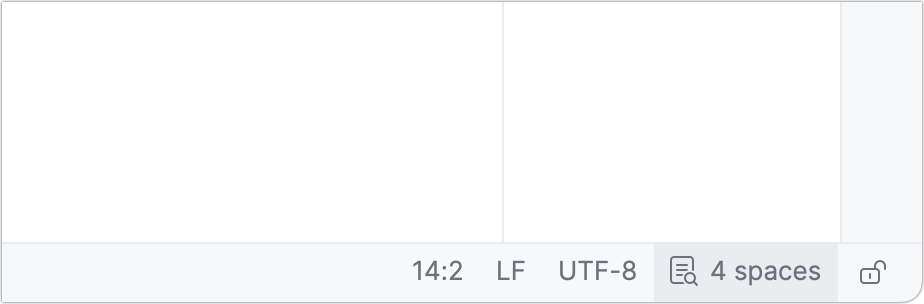
Since indentation is configured separately for each programming language, the number of indentations displayed may vary between opened items. To view the indentation in the status bar, open a file containing the relevant code in the editor.
You can configure indentation style on the Editor | Code Style | [Language] | Tabs, Indents, Alignment page of JetBrains Rider settings CtrlAlt0S.
If there are EditorConfig files that affect the current file, the indent_size and indent_style properties will override JetBrains Rider indentation settings, with Clang-Format styles having higher priority than EditorConfig styles. If you want JetBrains Rider to ignore EditorConfig styles , clear the corresponding checkbox on the Editor | Code Style | C++ | General page of JetBrains Rider settings .
tip
As there are many ways to configure indentation settings, you may want to learn where the configuration settings for the current file are coming from. To do so, press Ctrl0Q or choose Help | Find Action from the main menu. In the popup that opens, start typing
Show Code Style Configuration, select the corresponding item and press Enter.
To manually increase or decrease indentation of the current line or selected code block, press Tab/ShiftTab.
To fix indentation of the current line or for all lines in a selected code block (you can press AltShift0= multiple times to select a logical block) without applying other formatting preferences, press or choose Code | Auto-Indent Lines from the menu, or alternatively press AltEnter and choose Format selection | Reindent only.
When you reformat a part of code in a file or when code is auto-formatted on editing or pasting, JetBrains Rider can calculate and apply indentation based on the existing indents in the rest of that file. You can enable or disable automatic detecting of indents with the Detect and use existing file indents for editing checkbox on the Editor | Code Style page of JetBrains Rider settings CtrlAlt0S.
tip
This feature comes in handy when you want to contribute to existing projects where indentation differs from your settings.
You can also toggle the auto-detecting indents preference and view its status in the Code Style Configuration dialog.
Note that JetBrains Rider will NOT auto-detect indents if you reformat the whole file or multiple files, or if there are .editorconfig files that affect the current file.
An indent guide is a faint vertical line that helps you see the indentation levels of your code. You can enable indent guides in settings:
Press CtrlAlt0S to open settings and then select Editor | General | Appearance.
Enable the Show indent guides option. Apply the changes and close the dialog.
After that, vertical lines marking the indentation levels appear in the editor.